8 Surprising Lessons from Vibe Coding a Focus-Enforcing Chrome Extension with Claude
We all know the struggle: you sit down to work, open a browser, and suddenly an hour has vanished down a YouTube rabbit hole. I’ve been there more times than I’d like to admit. Over the years, I’ve tried every productivity tool in the book—Pomodoro timers, site blockers, minimalist writing apps. They all promise to help you focus, but they rely on your own willpower to actually follow through. That’s where they fail. So when I realized the perfect Chrome extension didn’t exist, I decided to vibe code it with Claude. The result? A tool that doesn’t just encourage focus—it enforces it. Here are eight things I learned along the way.
1. The Real Problem Isn't Distraction—It's Enforcement
Every productivity app I tested had one fatal flaw: they assumed I’d stick to their rules. Pomodoro timers beep, but I can ignore them. Distraction blockers have a toggle. Minimalist writers have a close button. The core issue isn’t designing a better timer—it’s removing the option to cheat. My extension flips the script: once you start a focus session, you’re locked in. No pausing, no snoozing, no exceptions. This simple shift from encouragement to enforcement is what actually broke my procrastination cycle.
2. Existing Tools Are Beautifully Useless
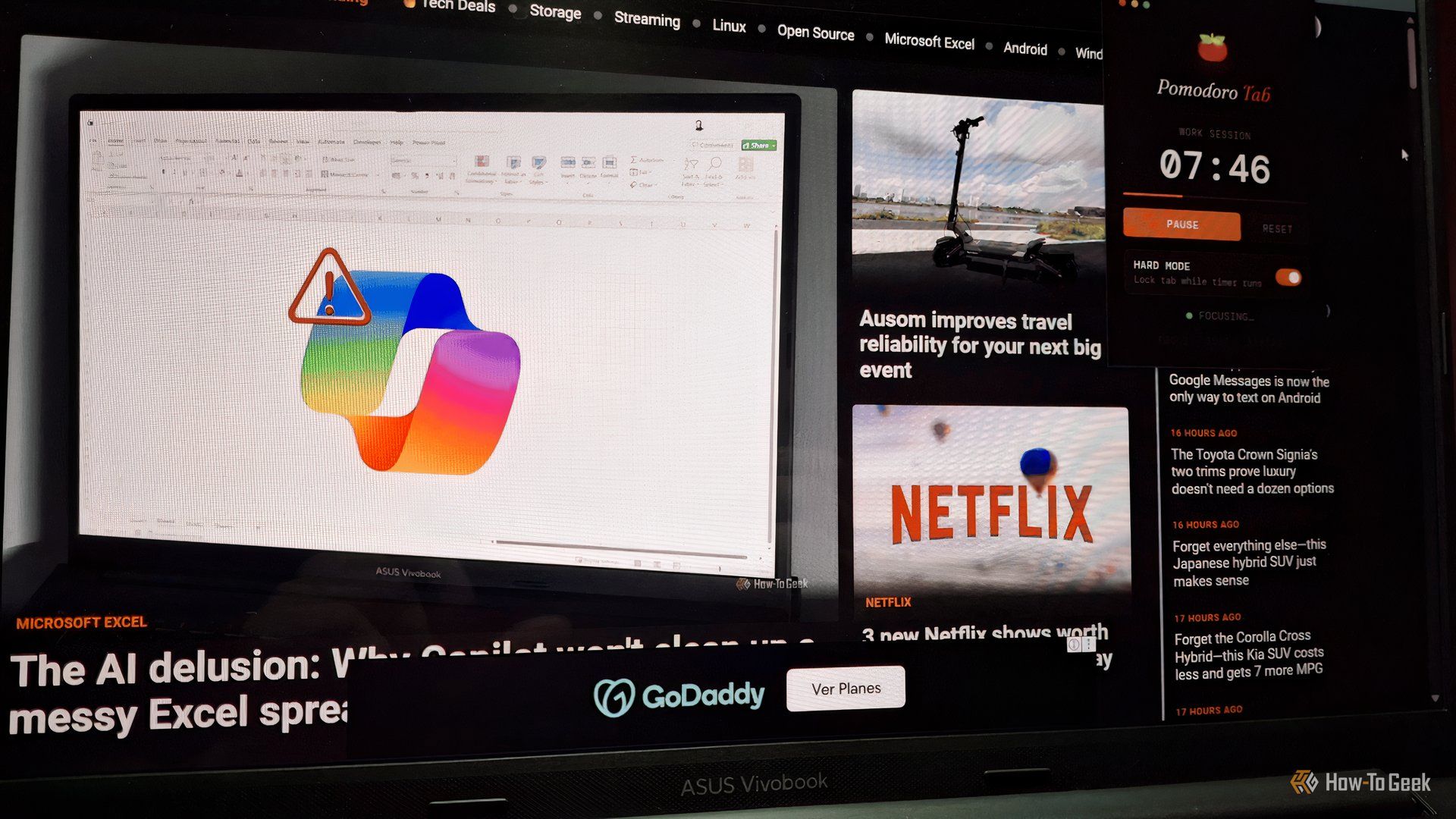
Don’t get me wrong—I love a well-designed app. But aesthetic polish doesn’t save you when you’re two clicks away from Instagram. I’ve used gorgeous Pomodoro apps that let you reset the timer mid-session. I’ve tried “distraction-free” editors that still have a menu bar. They’re built for discipline you don’t have yet. My extension does the opposite: it’s deliberately ugly, deliberately restrictive. Function over form, because when you’re trying to write a report, you don’t need a pretty timer—you need a digital prison that works.
3. The “Vibe Coding” Approach Is Perfect for Prototypes
I’m not a professional developer. I know enough JavaScript to be dangerous, but building a full Chrome extension from scratch felt overwhelming. That’s when I turned to Claude. Instead of writing code line by line, I described what I wanted in plain English: “Make a button that blocks all social media for 25 minutes, no undo.” Claude generated the skeleton in minutes. We iterated back and forth—me tweaking the prompts, it spitting out improved versions. This vibe coding method let me skip months of learning and jump straight to a working prototype.
4. Feature Creep Is the Enemy of Minimalism
It’s tempting to add every feature you can imagine: custom blocklists, statistics, motivational quotes. But each new feature is another potential loophole, another way to distract yourself from the core goal. I kept my extension ruthlessly minimal: start a session, endure it, finish. That’s it. No settings, no reports, no notifications. The lesson: if you’re building a tool for procrastinators, don’t give them anything to tinker with. Make the path of least resistance the only path.
5. Enforcing Focus Means Embracing Discomfort
When I first tested the extension, I hated it. Within two minutes, I wanted to close it, check Twitter, anything. But the extension wouldn’t let me. I had to sit there, staring at my document, actually doing the work. That discomfort is exactly what I needed. Over time, my brain stopped fighting the restriction and started accepting it. The extension trained me like a mental muscle. Now, when the session starts, I don’t even reach for the browser’s address bar—I know it’s useless. This is the real power of enforced focus: it rewires your habits.
6. Claude’s Suggestions Often Surpassed My Expectations
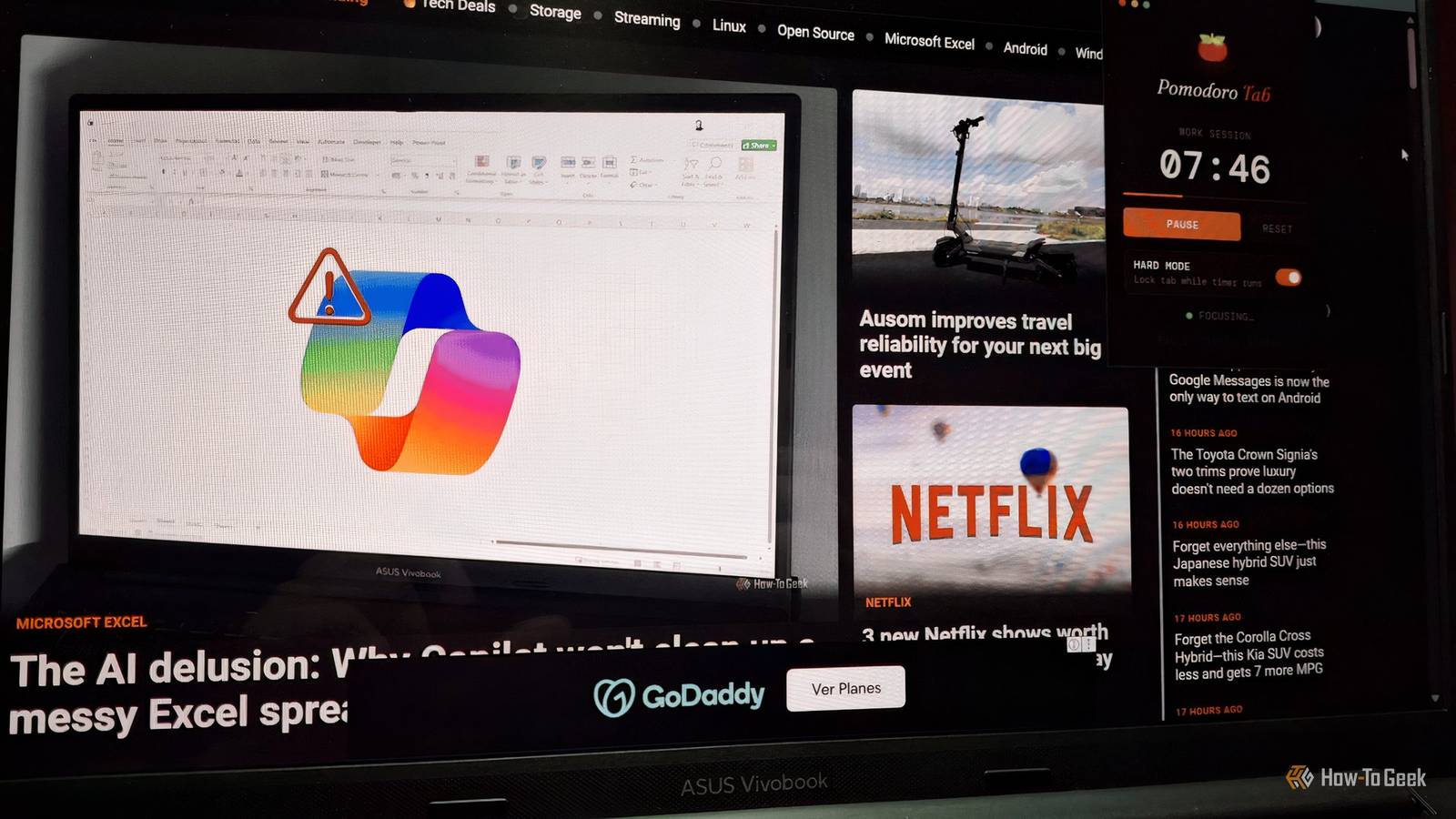
I started with a simple vision: a button that blocks sites for a set time. But Claude offered improvements I hadn’t considered. For example, it suggested a “panic mode” that blocks all pages except the one I’m working on. Another time, it added a subtle visual cue—a red border around the window—that reminded me I was in a session. These weren’t features I asked for, but they made the tool far more effective. Collaborating with an AI is like having a brilliant junior developer who never complains about scope creep.
7. Real-World Impact: Less Scroll, More Done
After using my extension for a month, my output doubled. Literally. I finished a long-delayed project in three days. The reason isn’t magic—it’s forced consistency. Before, I’d work in bursts, interrupted by guilt-ridden browsing. Now, I have blocks of uninterrupted time. The extension also reduced my mental load: I no longer waste energy deciding whether to work or slack off—the decision is made for me. This is the ultimate benefit of a tool that enforces rather than suggests: it frees your mind to focus on the task, not the temptation.
8. You Can Build Your Own—No Coding Experience Needed
If this story resonates, you don’t need to wait for the perfect app. With tools like Claude, you can vibe code your own solution in a weekend. Start by describing your biggest procrastination trigger. Ask Claude to generate a simple browser extension that blocks that trigger with no off switch. Test it, tweak the prompt, and repeat. The barrier to entry has never been lower. My extension isn’t on the Chrome Web Store, and it probably never will be—it’s too specific to my weaknesses. But that’s the point: the best productivity tool is the one designed for you.
Conclusion
Building my own focus-enforcing Chrome extension with Claude was more than a coding project—it was a personal intervention. I stopped relying on willpower and started designing a system that worked with my brain’s limitations. The process taught me that enforcement, not encouragement, is the key to beating procrastination. And with vibe coding, you don’t need to be a developer to create a tool that changes your habits. So the next time you catch yourself scrolling, ask: what would your perfect enforcer look like? Then go build it.