Unlocking Amazon Prime's Hidden Gem: The Ultimate Guide to Amazon Photos
Overview
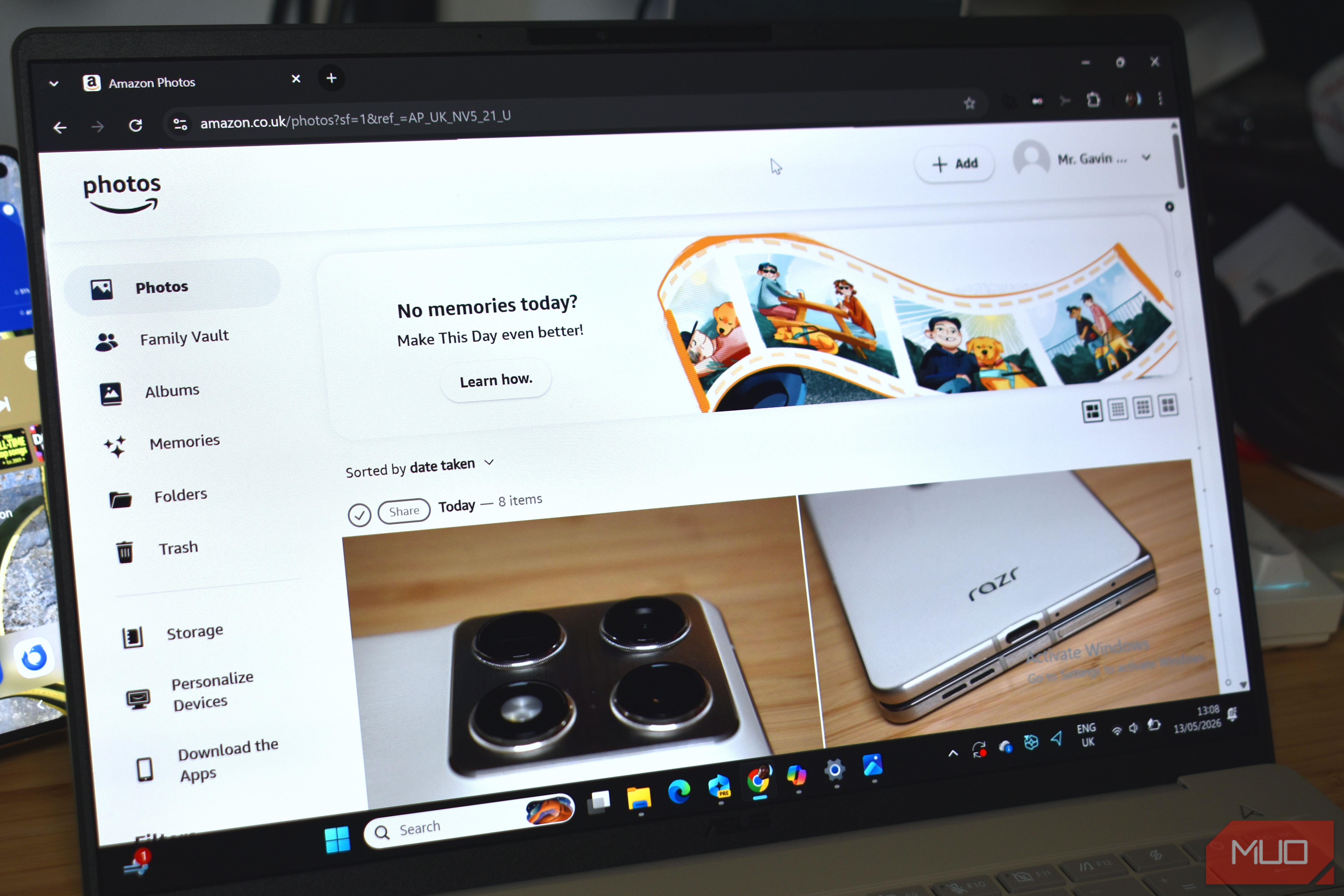
When most people think about Amazon Prime, they think about free next-day delivery, streaming TV, exclusive deals, or maybe Prime Day discounts. But there's one feature that quietly sits in your Prime membership, offering immense value without the fanfare: Amazon Photos. This service gives Prime members unlimited, full-resolution photo storage—a digital vault for every snapshot, screenshot, and memory you never want to lose. In this tutorial, we'll dive deep into why Amazon Photos is the best feature nobody talks about, how to set it up, use it effectively, and avoid common pitfalls. Whether you're a casual smartphone shooter or a DSLR enthusiast, this guide will transform how you store and manage your photo library.
Prerequisites
Before you start, ensure you have the following:
- An active Amazon Prime membership (free trial works too).
- An Amazon account with valid login credentials.
- A desktop or mobile device with internet access.
- (Optional) The Amazon Photos app installed on your smartphone or tablet.
Step-by-Step Guide to Using Amazon Photos
1. Accessing Amazon Photos
First, navigate to the Amazon Photos website at amazon.com/photos and sign in with your Amazon account. On mobile, download the Amazon Photos app from the App Store or Google Play. The service is seamlessly integrated into your account—no separate subscription needed.
2. Uploading Your Photos
Once inside, you have several upload options:
- Web uploader: Click the "Upload" button and select files or drag-and-drop entire folders.
- Desktop app: Install the Amazon Photos desktop app (Windows/Mac) to automatically sync a designated folder.
- Mobile app: Enable Auto-Save in the app settings to automatically back up every photo you take. Go to Settings > Auto-Save > toggle on "Save photos from this device."
Amazon Photos offers unlimited storage for photos at original resolution, plus 5 GB free for videos and documents.
3. Organizing Your Library
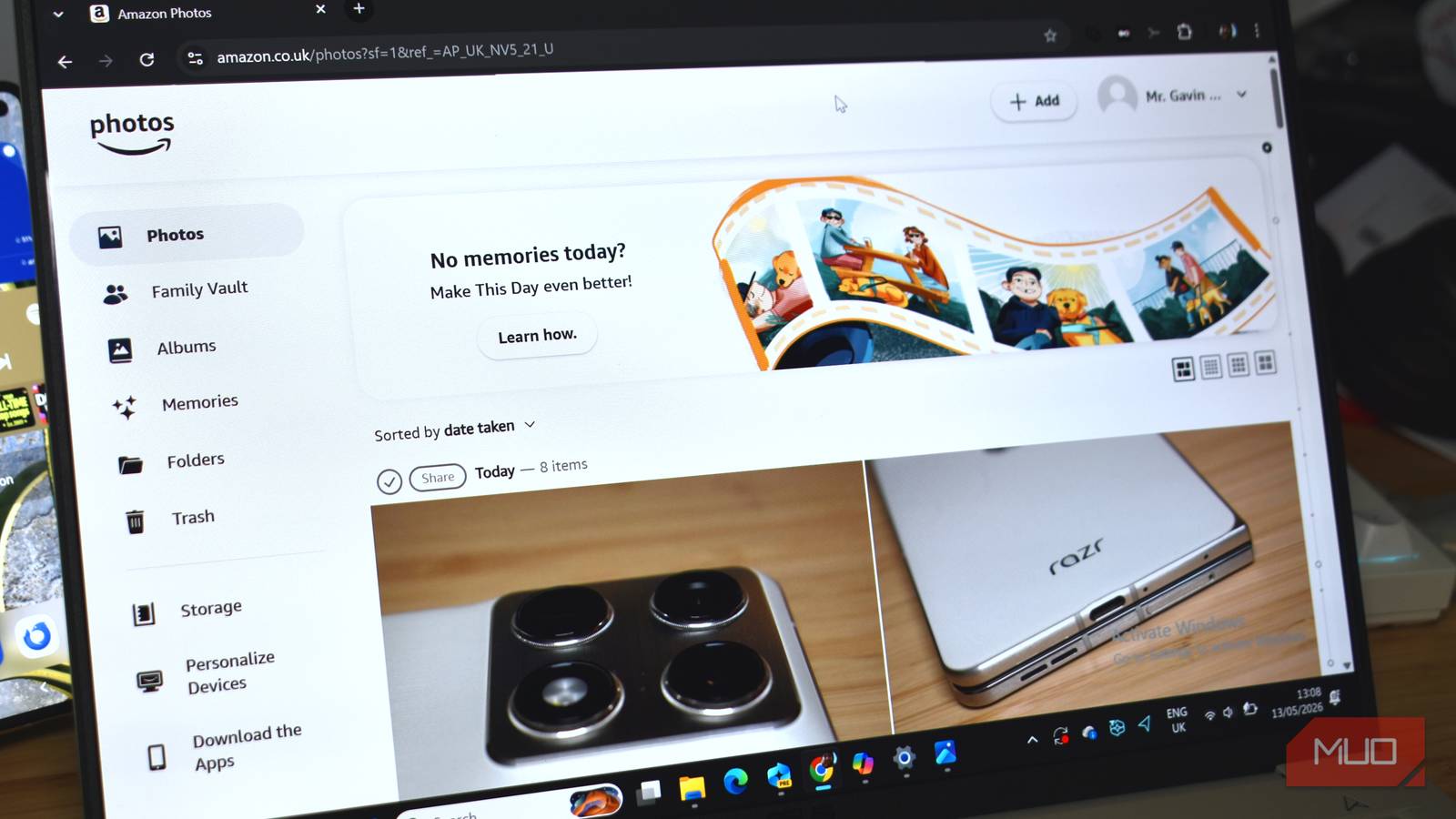
After uploads, you can create Albums to group related images. On the web, click "Create Album" and drag photos in. On mobile, tap the + icon. Albums are perfect for events, trips, or family collections. Use the search bar to find photos by date, location, people (via facial recognition), or even objects (AI-powered).
4. Sharing Photos with Family and Friends
Amazon Photos makes sharing effortless. Click on a photo or album, then choose "Share." You can generate a link (with optional password protection) or email it directly. Recipients do not need a Prime membership to view or download, though they'll be prompted to create a free Amazon account if they don't have one.
5. Using the "Family Vault" Feature
This is the crown jewel for households. In the Amazon Photos settings, invite up to five family members (spouse, kids, parents) to join your Family Vault. Everyone gets their own private storage but can also contribute to and view shared albums. Perfect for a collaborative family photo repository.
6. Printing and Custom Products
Amazon Photos also offers a range of printing services: photo prints, canvases, mugs, and photo books. Prices are competitive, and you can order directly from your library. This transforms your digital collection into tangible keepsakes.
7. Managing Storage Quotas
While photos are unlimited, videos and documents count toward your 5 GB limit. Check your usage in the account dashboard. To free up space, delete low-quality videos or download them locally. You can also upgrade to Amazon Drive for more video storage (not necessary for most photo-only users).
Common Mistakes to Avoid
- Confusing Amazon Photos with Amazon Drive: Amazon Photos is the dedicated photo service; Amazon Drive is a general file storage (now merged in many ways). Always use the Photos interface for photos to get unlimited storage.
- Not enabling Auto-Save immediately: Many users forget to turn on mobile auto-save and lose years of photos. Enable it right after installing the app.
- Uploading raw or HEIC files without checking compatibility: Amazon Photos supports most formats but may not store raw files as unlimited (check terms). Convert to JPEG first if you encounter issues.
- Overlooking facial recognition privacy: The feature is optional—turn it off in Settings if you're concerned about privacy.
- Assuming deletion syncs across devices: Deleting a photo from your phone doesn't remove it from Amazon Photos unless you use the app's "Delete on device only" option. Understand the sync logic to avoid confusion.
Summary
Amazon Photos is Prime's hidden ace: unlimited full-resolution photo storage, smart organization tools, family sharing, and easy printing—all included with your membership. By following this guide, you've transformed your photo backup strategy. Start uploading today and never lose a memory again.