Router Buttons Decoded: The Hidden Dangers Beyond the Reset Switch
Router buttons often cause confusion because their functions are not standardized across different models. While many users fear the reset switch due to its potential to wipe settings, another button—often labeled WPS or something similar—can be far more hazardous. This Q&A breaks down what each button does, why they are designed this way, and how to avoid common pitfalls.
Why are router buttons so confusingly designed?
Unlike laptops or desktop PCs, routers lack a unified form factor. Each manufacturer chooses its own button placement, labeling, and functionality. For example, some routers have a single button that serves both WPS and reset, while others dedicate separate buttons. This inconsistency stems from the fact that routers are designed to be compact and functional, often prioritizing cost or specific features over user familiarity. As a result, even tech-savvy users may struggle to identify what a button does without consulting the manual. The confusion is compounded by the use of vague symbols or hidden buttons that require a paperclip to press.
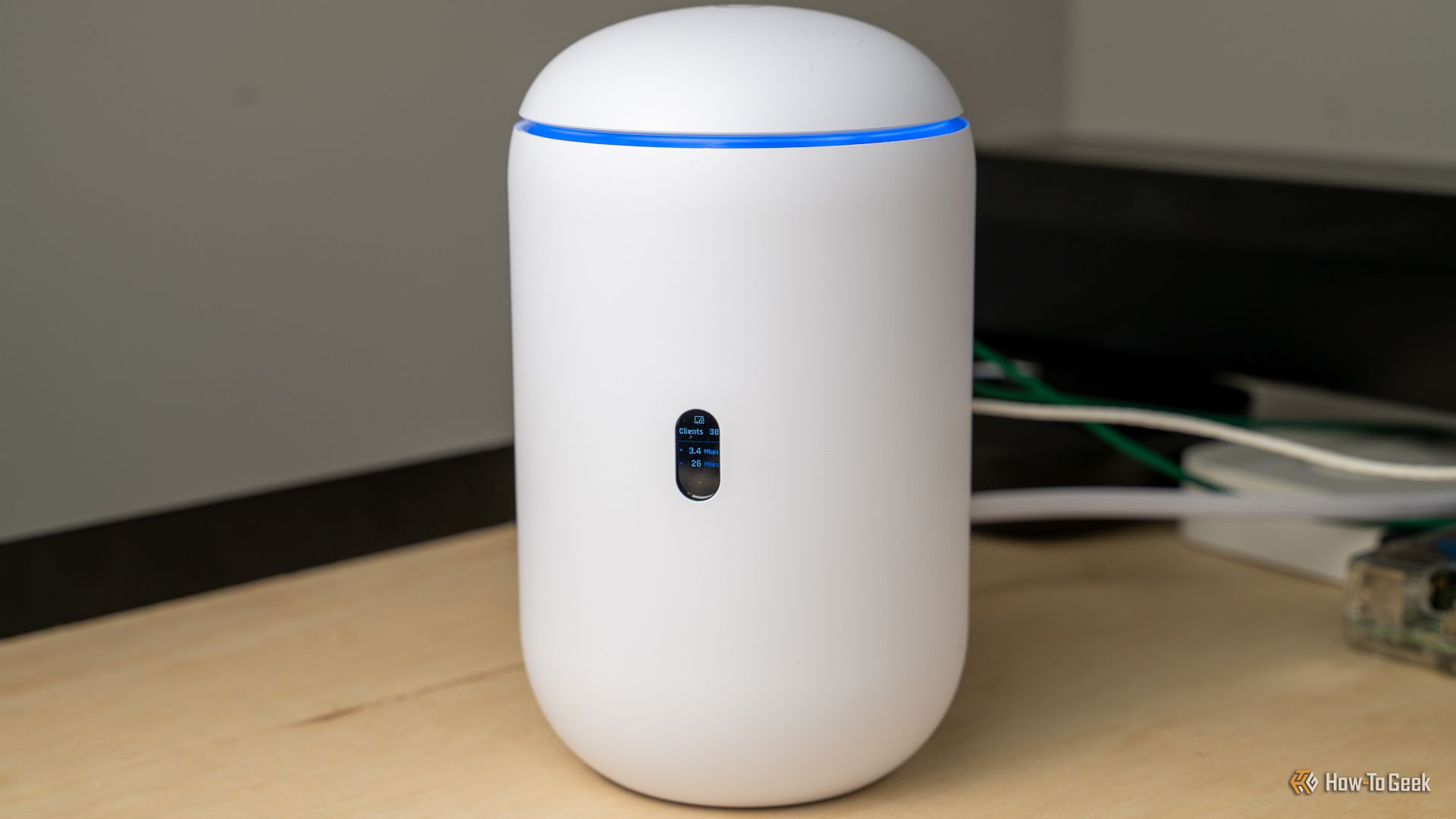
What does the reset button actually do? Is it dangerous?
The reset button restores your router to factory default settings, erasing all custom configurations like Wi-Fi passwords, port forwarding, and DNS settings. While many users fear this because of the inconvenience of reconfiguring, it is not inherently dangerous. Pressing it accidentally will cause a temporary loss of custom settings, but you can usually set them up again with a bit of effort. However, if you have a complex network setup (e.g., VPN, static IPs), the reset can be a major headache. In most cases, holding the reset button for a few seconds triggers a soft reset (reboot), while holding it longer (10–30 seconds) triggers a factory reset.
Which button is more dangerous than the reset switch?
The WPS (Wi-Fi Protected Setup) button is often more dangerous because it can compromise your network security. When pressed, WPS enables a simplified method for connecting devices, usually via a PIN or push-button. However, WPS has known vulnerabilities; attackers can brute-force the PIN within hours, gaining access to your Wi-Fi even if you have a strong password. Many routers ship with WPS enabled by default, and pressing the button activates it for a limited time. If left enabled, it becomes an open door for intruders. Unlike the reset button, which only affects your settings, the WPS button can weaken security permanently if not disabled in the router settings.
How can I identify the buttons on my router?
Start by checking the router's physical ports and buttons. Look for labels like "Reset" (often recessed, requiring a pin), "WPS" (usually on the front or side), or "WLAN" (for wireless on/off). Refer to the user manual or manufacturer's website for your specific model. Common symbols include a circular arrow (reset) or two overlapping brackets (WPS). If you have a router from a popular brand like TP-Link, Netgear, or Asus, you can find button guides online. Alternatively, log into the router's admin interface (typically via a browser at 192.168.1.1 or 192.168.0.1) to see which features are mapped to physical buttons. Some routers let you customize button behavior, so you can disable dangerous ones like WPS from the settings page.

What should I do if I accidentally press the dangerous button?
If you accidentally press the WPS button, immediately disable WPS in your router settings to prevent any security exploitation. Log into your router's admin panel (use the default gateway IP address and admin credentials found on the sticker), look for WPS settings, and toggle it off. If you pressed the reset button accidentally, you will lose all custom configurations. To recover, you can either reconfigure manually (refer to your ISP's setup instructions) or restore from a backup if you saved one. Many routers have a backup/restore feature in the admin menu. For critical settings, take a screenshot or note them beforehand. In both cases, avoid panic—most issues are reversible with a bit of time.
Why don't routers have a standard button layout?
Routers serve diverse purposes—home use, gaming, business, etc.—and manufacturers differentiate their products by adding unique features. A standard layout would limit innovation and customization. For instance, some routers include buttons for mesh pairing, gaming prioritization, or turning off LEDs. Additionally, cost constraints lead to varying component placement, making a universal design impractical. The industry relies on user manuals and online support to fill the gap, but this can be frustrating. While there are efforts to standardize basic functions (e.g., reset is almost always recessed), the lack of a single standard persists. As a workaround, many users now manage settings via mobile apps, reducing reliance on physical buttons.
Can pressing the wrong button permanently damage my router?
No, pressing any button—including reset or WPS—will not physically damage your router. These are software-level actions. The reset button only erases configurations; it doesn't harm hardware. The WPS button may open a security flaw but does not cause physical destruction. The most serious outcome is a factory reset that wipes your settings, or a security breach if WPS is left enabled. In rare cases, if you interfere with firmware updates (by pressing buttons during an update), you could brick the router, but this requires a series of mistakes. Always follow proper procedures: never power-cycle during firmware upgrades, and avoid pressing buttons when you're unsure of their function. If your router becomes unresponsive after a button press, a factory reset often solves software issues.